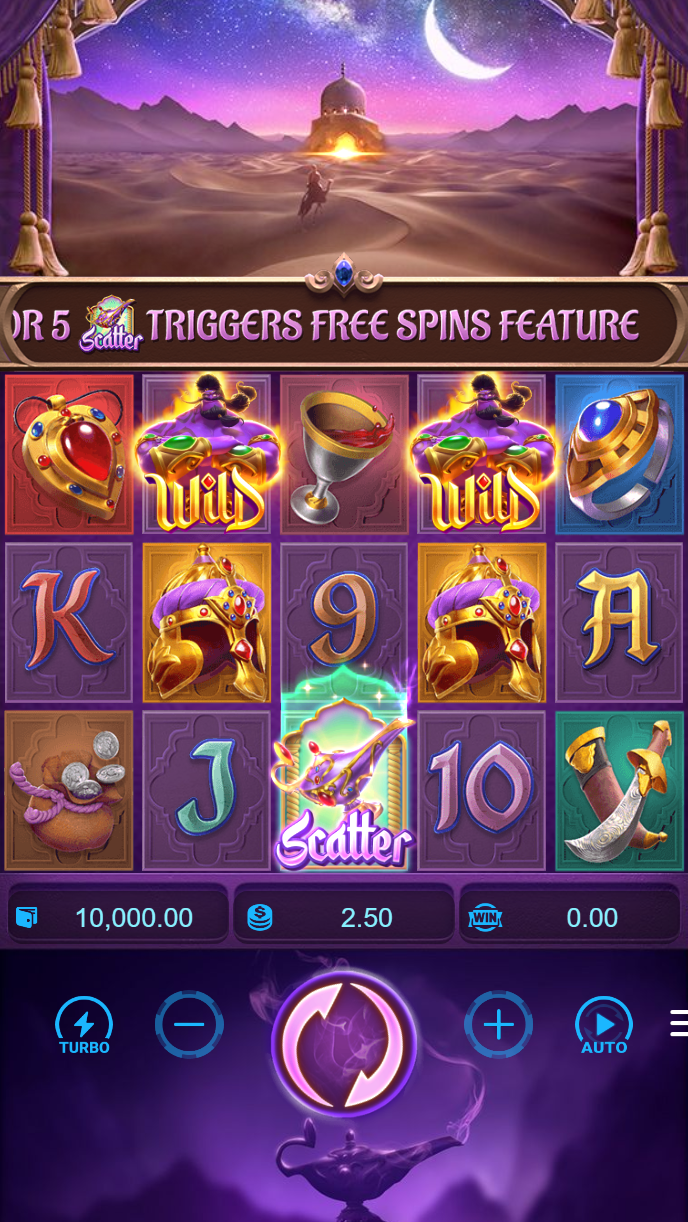
Our sky123 app installation content
We provide the Android APK route for users who need direct installation outside a store page, and we guide iOS users through browser access because iPhone installation rules are different. Our web-app path works through a supported mobile browser and may be saved to the home screen. We do not ask you to install unnecessary tools. We focus on account login, wallet review, tournament pages, live casino access, and help channels.

Our sky123 installation walk-through
- We provide the Android APK download path from our account area when the route is available for your jurisdiction.
- We ask you to install only after checking the file source and your device permission prompt.
- We guide registration through email, mobile number, password setup, and KYC details when required.
- We let you start with account menus, wallet review, and permitted content after access checks are complete.
Our sky123 app path and browser path serve different needs. The app-style route can feel faster after the first load because some interface elements may be cached on the device. Push notifications can also help with account messages, password reset notices, payment status, and support replies if you allow them in your phone settings. The browser path is useful when you prefer no installation, when iOS access is simpler through Safari, or when you want to clear session data from the browser. Both routes support football coverage, live-dealer tables, slots, and esports access where permitted.
Our device guidance is simple: Android 7+ is a practical baseline for the APK path, and iOS 12+ is a practical baseline for browser access. Older devices may still open some pages, but screen layout, wallet confirmation, image upload, and live studio loading can be less stable. We suggest keeping your browser updated, allowing enough storage for cache, and using a stable connection when uploading KYC documents or checking withdrawal status.
Common install issues usually come from device settings rather than the account itself. On Android, unknown-source permission may need review before an APK can install, and the phone may show a safety prompt that you should read carefully. On iOS, a browser shortcut may depend on Safari settings and storage behavior. Certificate trust messages, blocked downloads, or repeated login prompts should be handled with caution. If the file source, domain, or prompt looks different from our normal account route, we recommend pausing and contacting our support channel.

We handle data, permissions, and account security with a service-quality approach. Our sky123 mobile flow may request camera or file access when you upload KYC documents, and we may process wallet or bank references when you confirm deposits through OVOe-walletmobile banking, local payment, online payment, e-wallet, mobile banking, local payment, or online payment. We may review withdrawal requests within verification windows, especially when the payment name, account history, or device signal needs checking. For password reset, we may use registered email, phone confirmation, and support review before changing account access.
- APK path
- We use this route for Android installation guidance when access is available under our rules.
- iOS browser
- We guide iPhone users through browser access and home-screen shortcut behavior.
- Web app
- We support browser-based access for account, payment, support, and game-category navigation.
Our sky123 mobile pages cover sportsbook interests such as Champions League, Premier League, MotoGP, badminton, and Piala AFFalong with blackjack, roulette, baccarat, Dragon Tiger, Aviator, Sweet Bonanza, Gates of Olympus, Fortune Tiger, Mahjong Ways, Mobile Legends, Free Fire, and PUBG Mobile. We keep desktop as a side option for users who prefer a larger screen for account history, terms review, or longer support messages.